

1
Create the account
Email path:
/signup — name, company, email, password. You land on Chat with a Headquarters workspace.Google path: Continue with Google. New users complete /oauth-onboarding (organization + workspace name).Invited by a teammate? Accept the email invite and skip this step.2
Connect one channel
Open Onboarding → Step 1, or Settings → Workspace → Channels. Connect WhatsApp (Support only unless you run ads). Wait until the channel is Active.
3
Create one label
Settings → Workspace → Labels. Example:
Orders. Add keywords if you want auto-apply in Chat.4
Reply in Chat
Open Chat. When a message arrives, reply from the composer. Assign the thread if you work as a team.
5
Invite one teammate
Onboarding Step 4 or Settings → Workspace → Team. Chat-only is enough for front desk.
Day-one bar: one Active channel, two labels the team actually uses, two people who have replied from Chat.
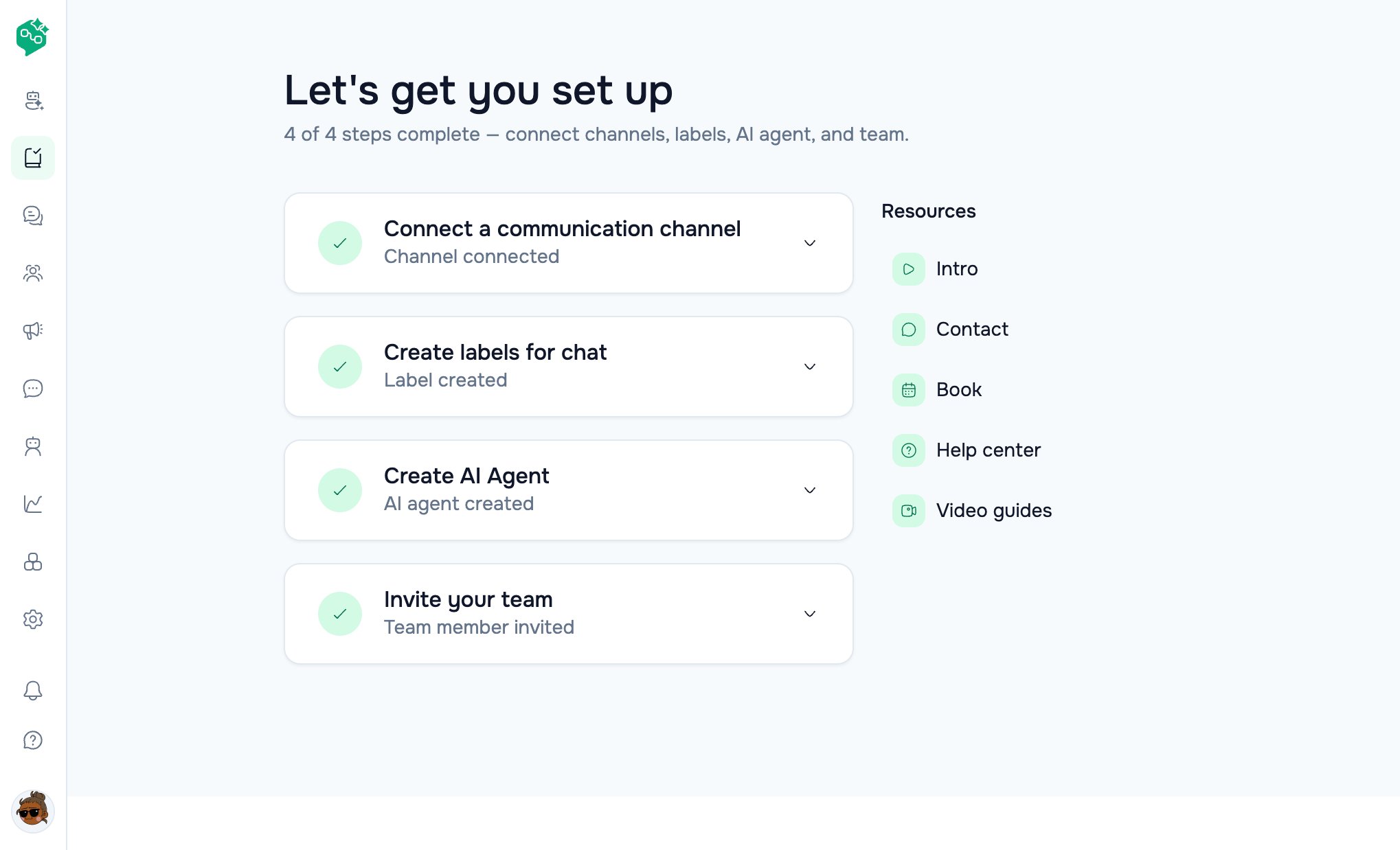
Onboarding checklist
What not to do yet
- Do not submit a WhatsApp template to Meta until you know the first message you will send.
- Do not turn a customer AI Agent live without the sandbox test.
- Do not send a Broadcast without a Meta-Approved template and a dry-run to an internal number.