

/onboarding checklist, and exact navigation.
Who Vendschat is for
The big pieces (in plain language)
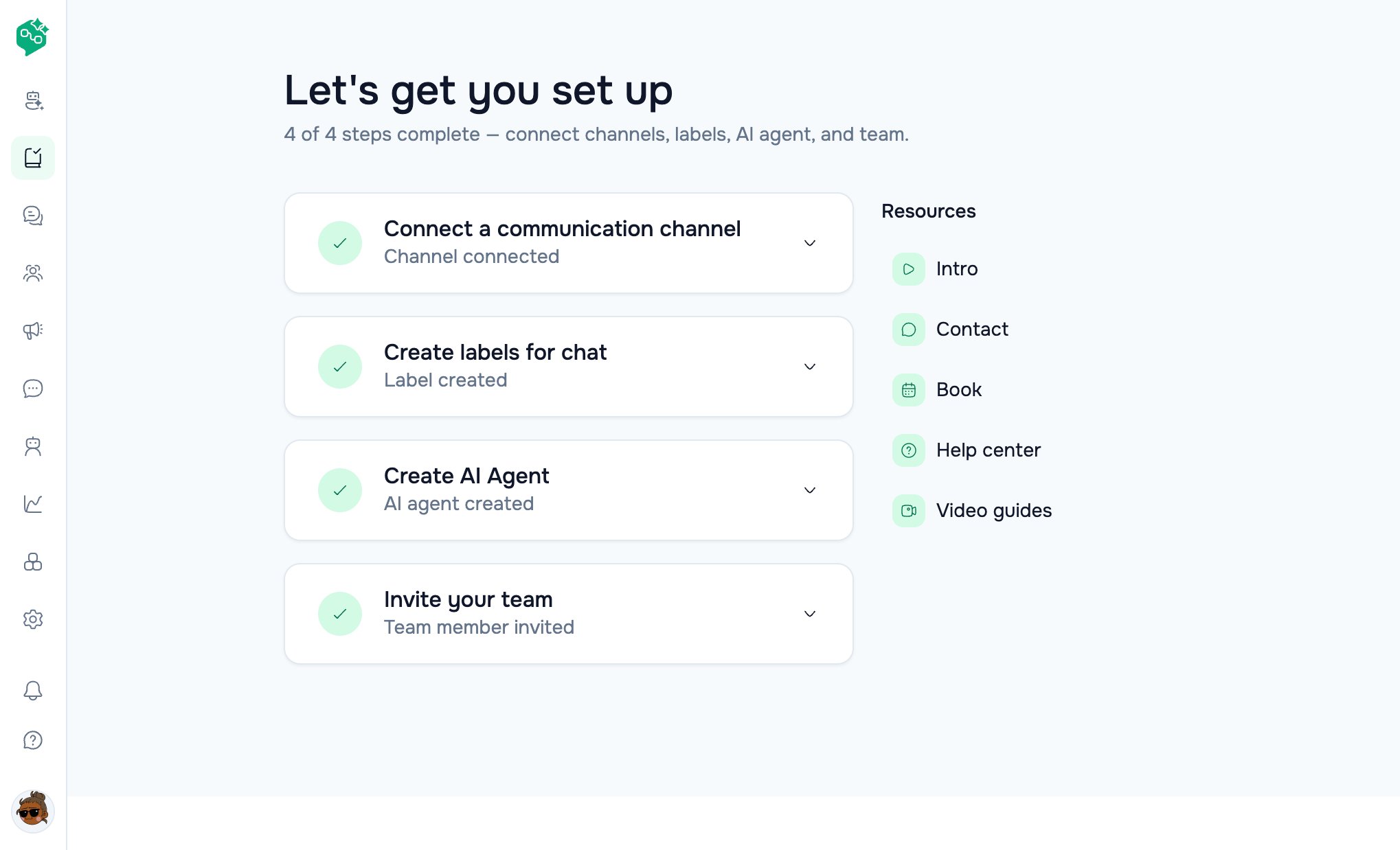
Onboarding checklist
How you get started (two paths)
Path A — Email sign-up
/signup— name, company, email, password- Land on Chat (org + Headquarters workspace created for you)
- Open Onboarding → connect channel, labels, invite team
Path B — Google sign-up
/signupor/signin→ Continue with Google- New user:
/oauth-onboarding— organization + workspace name - Land on Chat
- Open Onboarding for the product checklist
Example: A week with Luna Home Decor
Luna sells furniture on Instagram and WhatsApp. Here’s how a small team uses Vendschat:
No coding. No switching between phone apps. One place for the whole team.
Your first 30 minutes
Start small. Add AI, broadcasts, and automations when the basics feel smooth.
Onboarding checklist (at a glance)
The/onboarding page title: “Let’s get you set up”
Step 3 opens AI Agents. Integrations stay at Settings → Workspace → Integrations (
/settings/workspace/integrations) — Agent Skill, Lovable, MCP, Zapier, Make, n8n, HubSpot.
What good looks like after day one
- ✅ At least one channel Active
- ✅ Two or more labels your team actually uses
- ✅ Two teammates who’ve both replied from Chat
- ✅ Unread badges going down during the shift
Where to go next
© Vendocker LLC. All rights reserved. Vendschat is a product of Vendocker LLC.