

/ai-agents
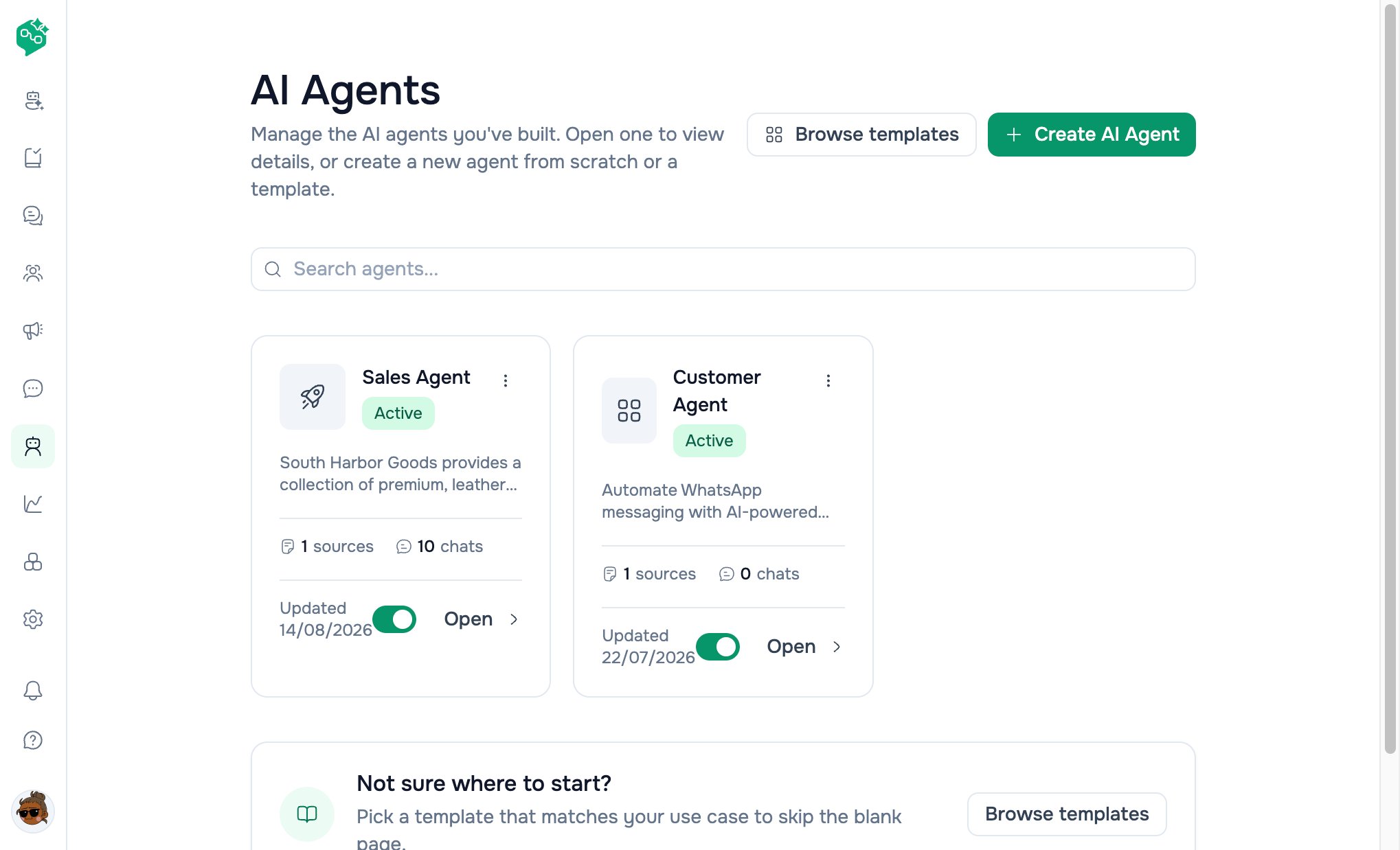
AI Agents list
Quick reference
Three kinds of AI in Vendschat
Rule of thumb: AI Agents = automation. Generate Reply = speed with approval. Co-Admin = “How does Vendschat work?”
Deep dive: Composer & Generate Reply · Workspace Co-Admin
Navigation map
Access: Users need page permission for AI Agents (same pattern as other sidebar items). Chat assignment shows only active agents from the workspace.
Example: PetPals Veterinary
Dr. Sam wants after-hours triage without diagnosing on WhatsApp.
Day staff handle complex cases; the bot answers “What are your hours?” and “Where are you located?”
AI Agents list page
Title: AI Agents — “Manage the AI agents you’ve built…”Header actions
Search
“Search agents…” — debounced; updates URL?q= and refetches list.
Agent cards
Each card shows:Empty state
“No AI agents yet” — Browse templates + Create AI Agent.Footer tip
“Not sure where to start? Pick a template…” → Browse templatesHow AI Agents work in Chat
- Bot replies only on threads assigned to that agent
- Paused or Archived agents do not process new replies
- Assigning a human or team removes bot control (or sets human takeover while keeping agent link)
Templates
Path:/ai-agents/templates
Click a template →
/ai-agents/create?template={id} with starter instructions pre-filled.
Deep dive: Creating & training agents
Plan requirements
Upgrade: Settings → Organization → Billing & Usage → Plans
Lifecycle statuses
Delete removes agent, clears thread assignments, clears workspace default if set.
Co-Admin & live data
Co-Admin uses the user’s current workspace.