

- Create:
/ai-agents/create(optional?template=receptionist|sales|support|custom) - Edit:
/ai-agents/{id}/edit - Form title: Train AI Agent (create) · Edit AI Agent (edit)
Quick reference
Start from template or scratch
Browse templates
AI Agents → Browse templates →/ai-agents/templates
Click template card → create form with
?template= query.
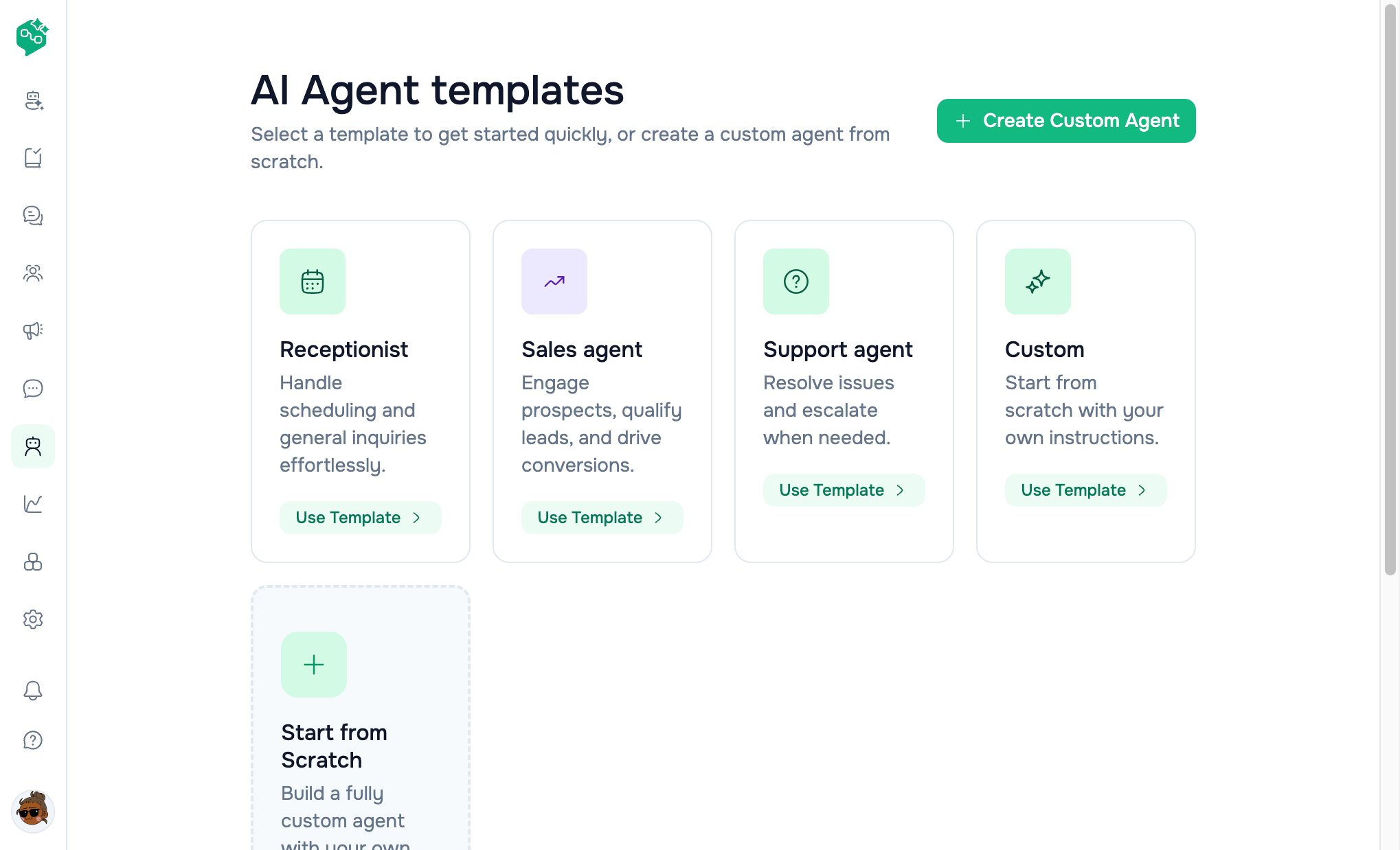
AI Agent templates
Create custom
AI Agents → Create AI Agent →/ai-agents/create
Templates page also has Create Custom Agent (no template hint).
Configuration
Example names:
Night Support Bot, Sales Qualifier, Returns Assistant
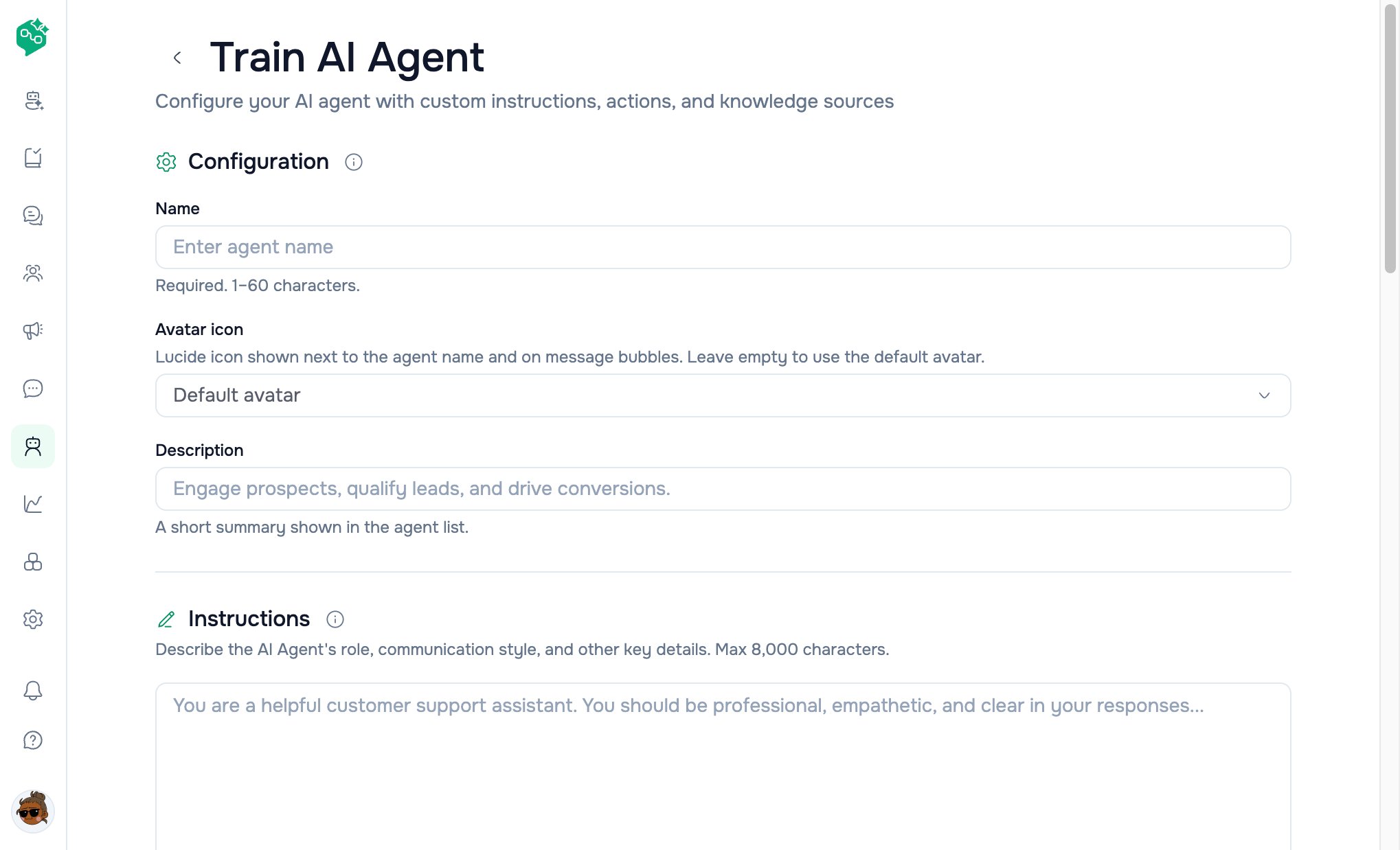
Train AI Agent form
Instructions
The core personality and policy block — sent with every customer reply.Writing effective instructions
- Role — “You are the front desk for NovaFit Gym.”
- Boundaries — “Never give medical advice.”
- Tone — “Warm, concise, use the customer’s first name when known.”
- Escalation — “If angry or asking for refund over $200, say you’ll connect a human.”
- Language — “Reply in the same language the customer uses.”
Garbage in, garbage out. Update instructions when policies change.
Actions
Section: “Agent actions that take place during a conversation.” Toggle on only actions you trust. Each enabled action has an instruction field — plain-language rules the model follows.HTTP request actions
When Make HTTP requests is enabled:
Add multiple HTTP actions with +; remove per row.
Note: Actions are passed to the model as structured context. Enable conservatively and test in Test AI Agent before assigning live threads.
Response delay
Slider: 0–30 seconds Why wait? When customers send “Hi” then “I have a question”, a short delay lets the bot reply once with full context instead of twice instantly.
Shown on agent detail as “Response delay: Ns”.
Save flow
Footer shows Saving… / Saved / Edits not saved.
Agent detail page (after create)
Path:/ai-agents/{id}
Edit & delete
Fields supported by API (not all in form yet)
These exist on the backend and may appear in API responses; dashboard form may not expose every field yet:
Co-Admin should describe dashboard paths first; mention API fields only when customers ask about advanced/coming-soon settings.