> ## Documentation Index
> Fetch the complete documentation index at: https://docs.vendschat.com/llms.txt
> Use this file to discover all available pages before exploring further.
# Quickstart
> Get from sign-up to a first WhatsApp reply in Vendschat in about 30 minutes.
Finish these steps before you train an AI Agent or send a broadcast.
Email path: `/signup` — name, company, email, password. You land on **Chat** with a Headquarters workspace.
Google path: **Continue with Google**. New users complete `/oauth-onboarding` (organization + workspace name).
Invited by a teammate? Accept the email invite and skip this step.
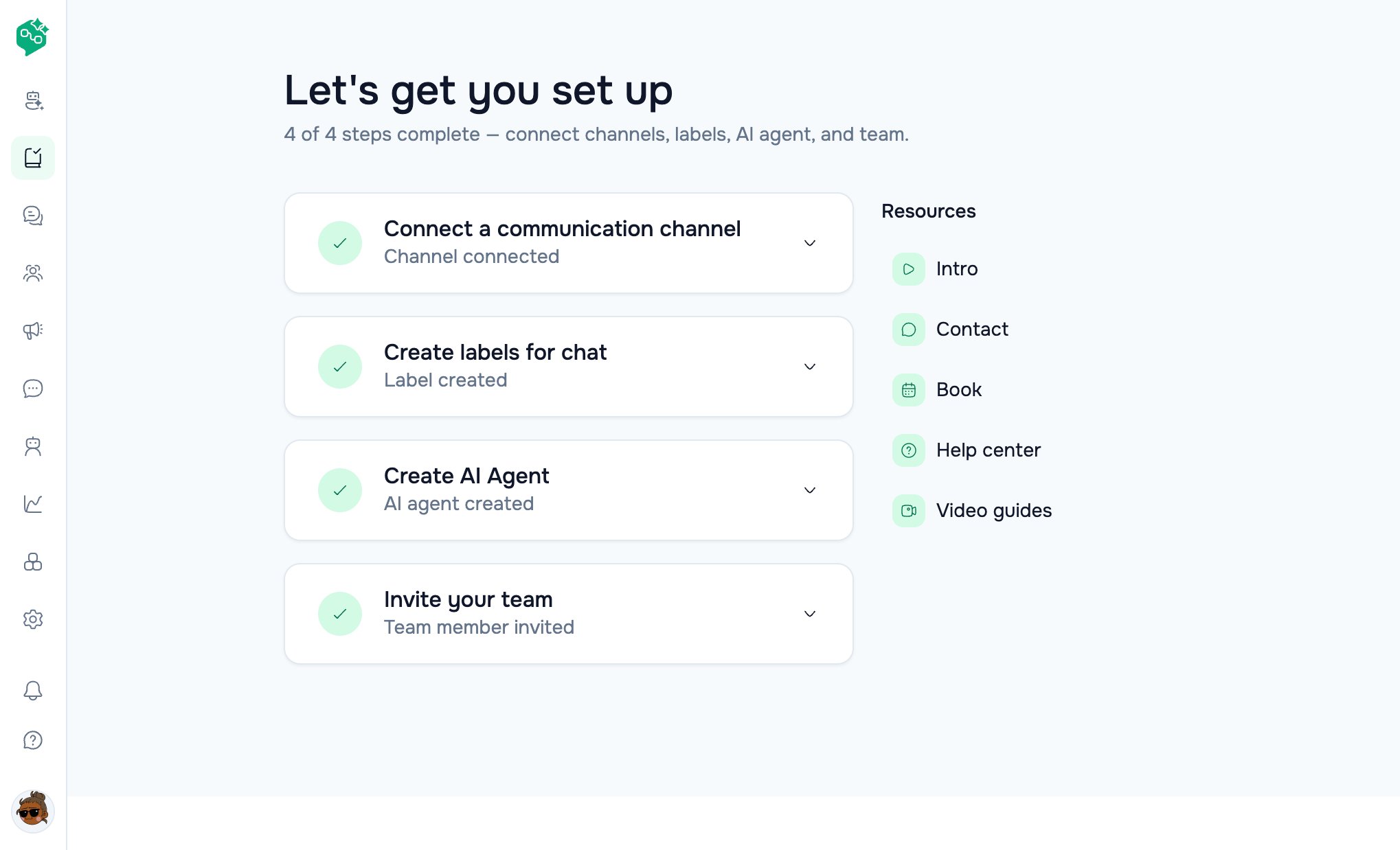
Open **Onboarding** → Step 1, or **Settings → Workspace → Channels**. Connect WhatsApp (Support only unless you run ads). Wait until the channel is **Active**.
**Settings → Workspace → Labels**. Example: `Orders`. Add keywords if you want auto-apply in Chat.
Open **Chat**. When a message arrives, reply from the composer. Assign the thread if you work as a team.
Onboarding Step 4 or **Settings → Workspace → Team**. **Chat-only** is enough for front desk.
Day-one bar: one **Active** channel, two labels the team actually uses, two people who have replied from Chat.
 ## What not to do yet
* Do not submit a WhatsApp template to Meta until you know the first message you will send.
* Do not turn a customer **AI Agent** live without the [sandbox test](/ai-agents/knowledge-sources-and-testing).
* Do not send a **Broadcast** without a Meta-**Approved** template and a dry-run to an internal number.
Next: [Welcome](/getting-started/welcome) · [First channel & inbox](/getting-started/first-channel-and-inbox)
## What not to do yet
* Do not submit a WhatsApp template to Meta until you know the first message you will send.
* Do not turn a customer **AI Agent** live without the [sandbox test](/ai-agents/knowledge-sources-and-testing).
* Do not send a **Broadcast** without a Meta-**Approved** template and a dry-run to an internal number.
Next: [Welcome](/getting-started/welcome) · [First channel & inbox](/getting-started/first-channel-and-inbox)